

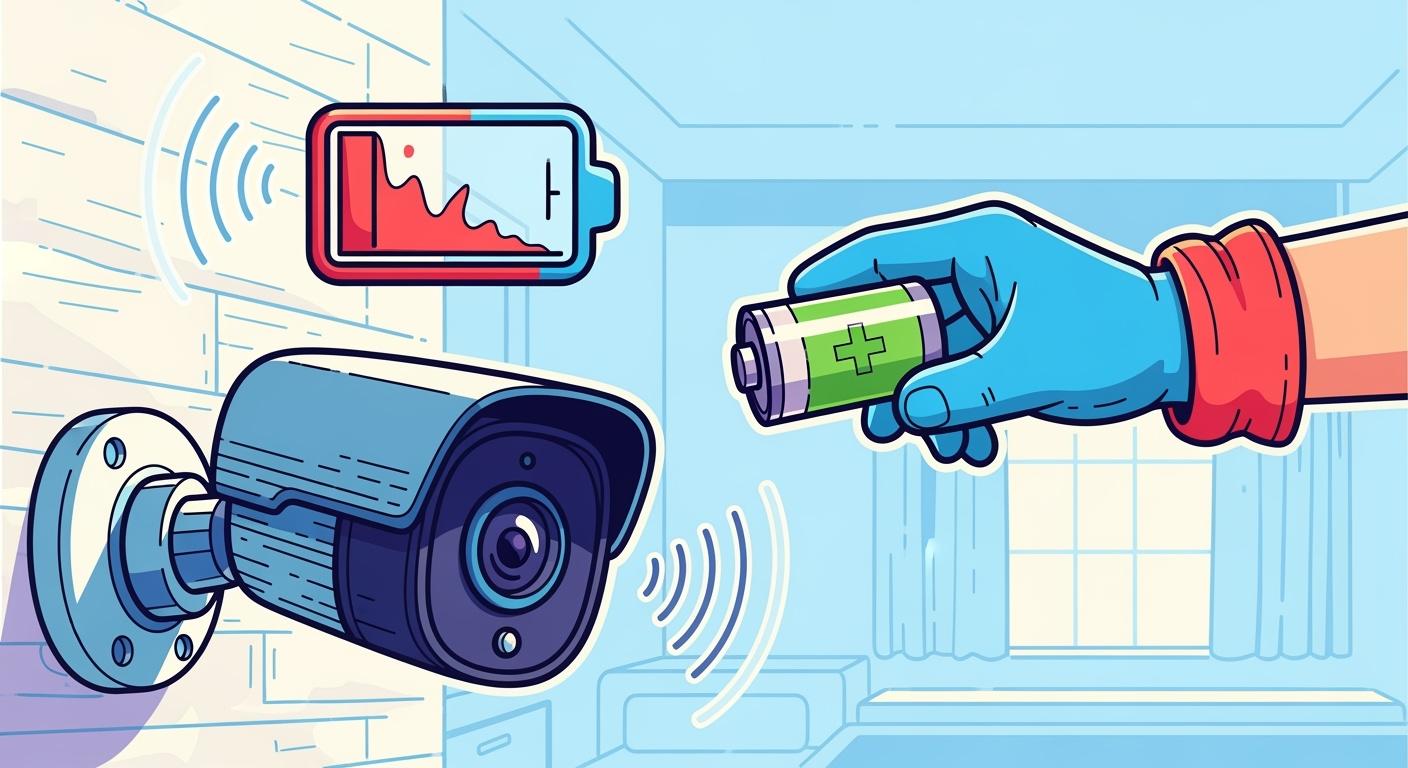
You may wonder why your Wireless Security Camera battery drains so fast. High motion activity, constant recording, poor Wi-Fi signal, and extreme temperatures can all cause rapid power loss. Lithium battery packs work hard in tough environments, especially in security system deployments. Don’t worry—these issues happen often in the industry. You can fix them with a few practical tweaks. Keep reading for tips that help extend battery life and reduce headaches.
Key Takeaways
Choose quieter locations for camera placement to reduce unnecessary motion triggers and extend battery life.
Adjust camera settings like resolution and frame rate to save energy without sacrificing security quality.
Utilize solar panels to keep batteries charged, especially in outdoor or remote installations.
Regularly maintain your cameras and update firmware to take advantage of new power-saving features.
Monitor environmental factors like temperature and weather to protect battery performance and longevity.
Part1: Motion Detection
1.1 High Traffic Zones
You might notice your Wireless Security Camera battery drains much faster in busy areas. When you place a camera where people, cars, or animals pass by often, the camera wakes up and records every time it senses movement. Each event makes the lithium battery pack work harder. The camera must power up, process the motion, and send data. This cycle repeats all day in high-traffic zones, which quickly uses up battery power. If you install cameras near entrances, parking lots, or hallways, you will see more frequent battery changes.
Tip: Try moving cameras away from spots with constant activity. Choose quieter locations to help your battery last longer.
1.2 Sensitivity Settings
You can adjust the motion sensitivity on most cameras. Lower sensitivity means the camera ignores small movements, like leaves blowing or shadows shifting. This simple change helps your lithium battery pack last longer. Here’s how sensitivity settings affect battery life:
Battery-powered cameras start recording only when they detect motion.
Lowering sensitivity reduces unnecessary activations.
Setting up motion zones lets you focus on important areas and ignore the rest.
If you fine-tune these settings, you can cut down on wasted battery power and keep your camera running longer between charges.
1.3 Reducing False Alerts
False alerts drain batteries fast. These happen when the camera records things you don’t care about, like passing cars or swaying branches. Many high-performance cameras let you set up custom activity zones. By monitoring only the areas that matter, you avoid busy sidewalks or noisy bushes. This means fewer false alerts and less battery drain.
Customizable zones help you avoid unnecessary recordings.
Fewer false alerts mean your camera activates less often.
Your lithium battery pack stays charged longer.
If you take time to adjust your camera’s settings, you will see a big improvement in battery life.
Part2: Video Settings
2.1 High Resolution Impact
You might think higher video quality always means better security. In reality, high resolution settings can drain your lithium battery pack much faster. When you set your Wireless Security Camera to 4K, the camera uses more bandwidth and energy to process and store video. Lowering the resolution to 720p can help your battery last longer without losing important details for most security needs.
Here’s a quick look at how resolution affects bandwidth and power use:
Resolution | Bandwidth Usage (Mbps) |
|---|---|
4K | 16 |
720p | 2 |
If you choose 720p, your camera uses less energy and your battery pack stays charged longer. This matters a lot in security system deployments where cameras run on lithium chemistries like LiFePO4 or NMC, which are common in industrial and infrastructure applications.
2.2 Recording Modes
How your camera records video also impacts battery life. You can pick between continuous recording and motion-activated recording. Here’s what happens with each mode:
Continuous recording keeps the camera running all the time. This uses more power and drains the battery quickly.
Motion detection mode lets the camera stay in standby. It wakes up only when it senses movement, which saves energy.
Let’s compare the two:
Continuous Recording: High power use due to constant operation.
Motion Detection: Lower power use as the camera remains in standby until motion is detected.
Switching to motion detection mode can reduce power consumption by 30–60%. This is a smart move for security systems in busy places like hospitals, warehouses, or robotics labs.
2.3 Adjusting Frame Rate
Frame rate controls how many images your camera captures each second. A higher frame rate gives smoother video but uses more battery. Lowering the frame rate from 30 frames per second to 15 can double your battery life. Most security events do not need super-smooth video, so you can save energy without missing important details.
Tip: Try lowering the frame rate and resolution together. You’ll get longer battery life from your lithium battery pack, which is important for long-term deployments in industrial and infrastructure settings.
Part3: Night Vision Usage
3.1 Infrared Power Draw
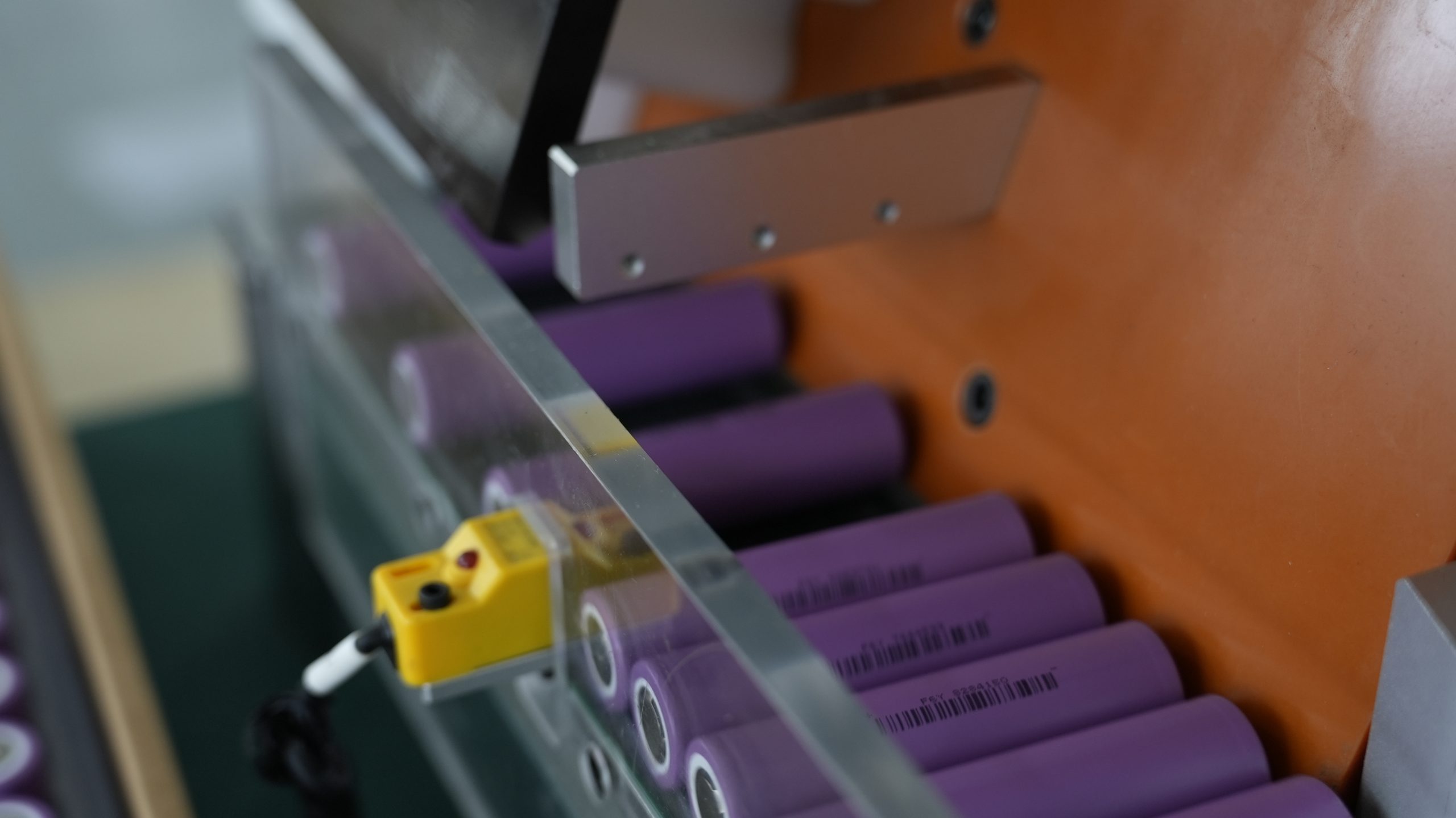
Night vision is a must-have for many security applications, but it comes with a cost. When your Wireless Security Camera switches to infrared (IR) mode, the battery pack works harder to power those tiny IR LEDs. You might not realize how much extra energy this feature uses. Take a look at the table below to see how different IR settings affect battery consumption:
IR Mode | Additional Battery Consumption |
|---|---|
24/7 full IR illumination | 50-100% |
Scheduled IR (10pm-6am only) | 25-40% |
Motion-triggered lighting | 10-20% |
If you run IR lights all night, you could double your battery drain. Using motion-triggered IR or scheduling night vision for specific hours can help your lithium battery pack last longer, especially in industrial or infrastructure deployments.
3.2 Night Mode Optimization
You can make smart changes to night mode settings and get more out of every charge. Try these strategies:
Optimize recording settings. Lower the video resolution and frame rate at night to reduce power draw.
Use low-power mode. Activate this feature when the camera is not recording to save energy.
Set network reasonably. Adjust network settings to limit unnecessary data transmission.
These steps help your battery pack support longer shifts, which is important for security systems in hospitals, warehouses, and robotics labs.
Tip: Review your camera’s night mode options every few months. Technology updates often add new power-saving features.
3.3 External Lighting Options
You can also add external lighting to your site. Good lighting improves visibility for your cameras and reduces the need for built-in IR night vision. When you rely less on IR LEDs, your battery pack does not have to work as hard. This simple change can extend the life of your Wireless Security Camera between charges. Many industrial facilities and infrastructure projects use this approach to keep their security systems running longer with fewer battery swaps.
Part4: Wireless Security Camera Placement
Proper placement of your wireless security cameras does more than improve coverage—it can make a big difference in how long your lithium battery packs last. You want your cameras to work efficiently, especially in demanding environments like hospitals, robotics labs, or industrial sites. Let’s look at how smart placement helps you get the most out of your LiFePO4, NMC, or LMO battery chemistries.
4.1 Wi-Fi Signal Strength
Wi-Fi signal strength directly affects battery consumption. When your camera sits in a spot with weak Wi-Fi, it uses more energy to stay connected. The camera’s lithium battery pack works overtime, searching for a stable signal. You might think turning off the base station saves power, but it actually drains the battery faster. The camera keeps looking for a network that isn’t there, which wastes energy.
Tip: Place your camera where the Wi-Fi signal is strong and stable. You’ll see longer battery life and fewer connection issues.
4.2 Router Range
Distance from the router matters. If you install a camera too far from the router, the Wi-Fi connection weakens. The camera then uses extra power to maintain a link, which shortens battery life. This is especially important for security systems in large facilities or infrastructure projects. Always position cameras within the recommended range for your router. Stable connections mean your lithium battery packs—whether NMC or LiFePO4—last longer between charges.
4.3 Avoiding Obstacles
Physical obstacles can block Wi-Fi signals and force your camera to work harder. Materials like concrete, metal, and thick walls interfere with connectivity. When the signal drops, the camera’s battery pack drains faster as it tries to reconnect. Here’s a quick look at common obstacles and their impact:
Obstacle Type | Impact on Wi-Fi Signal | Effect on Battery Drain |
|---|---|---|
Concrete Walls | High | High |
Metal Structures | High | High |
Glass | Medium | Medium |
Open Space | Low | Low |
Mount your cameras where the signal path is clear. Avoid placing them behind heavy barriers. You’ll help your lithium battery packs deliver reliable performance, even in challenging industrial or medical environments.
Note: Always follow manufacturer guidelines for installation. Proper placement boosts both battery efficiency and system durability.
Part5: Environmental Factors
5.1 Temperature Effects
Temperature plays a huge role in how your camera batteries perform. If you operate your Wireless Security Camera in extreme cold or heat, you’ll notice the battery drains much faster. Lithium battery packs, including LiFePO4 and NMC chemistries, react strongly to temperature swings. Cold weather can slow down chemical reactions inside the battery, while high heat can speed up aging and even cause safety concerns. Here’s a quick look at how different temperatures affect battery capacity and performance:
Temperature (°F) | Battery Capacity (%) | Performance Impact |
|---|---|---|
70°F (21°C) | 100% | Normal operation |
50°F (10°C) | 90-95% | Minimal impact |
32°F (0°C) | 70-80% | Noticeable reduction |
15°F (-9°C) | 50-60% | Significant degradation |
0°F (-18°C) | 30-40% | Low-power mode frequent |
-20°F (-29°C) | 20-30% | Cease reliable operation |
85°F (29°C) | Minimal impact | Acceptable |
95°F (35°C) | Moderate degradation | Annual loss increases |
105°F (40°C) | Significant degradation | Annual loss increases |
115°F+ (46°C+) | Severe degradation risk | Potential safety concerns |
If you deploy cameras in places like industrial yards or outdoor infrastructure, you need to plan for these temperature swings. Try to install cameras in shaded or sheltered spots when possible.
5.2 Weather Protection
Rain, snow, and dust can also impact your camera’s battery life and reliability. Water or debris can sneak into the housing and cause short circuits or corrosion. You should always use weatherproof enclosures rated for your environment. In medical or robotics applications, indoor cameras face less risk, but outdoor units need extra protection. Check seals and gaskets regularly. If you see any cracks or gaps, replace them right away. A little maintenance goes a long way in keeping your lithium battery packs safe and efficient.
Tip: Use weather hoods or shields for cameras exposed to direct rain or sunlight. This simple step helps prevent battery and hardware failures.
5.3 Seasonal Maintenance
You can boost battery efficiency and camera longevity with a few seasonal habits. Here’s what works best for industrial and infrastructure deployments:
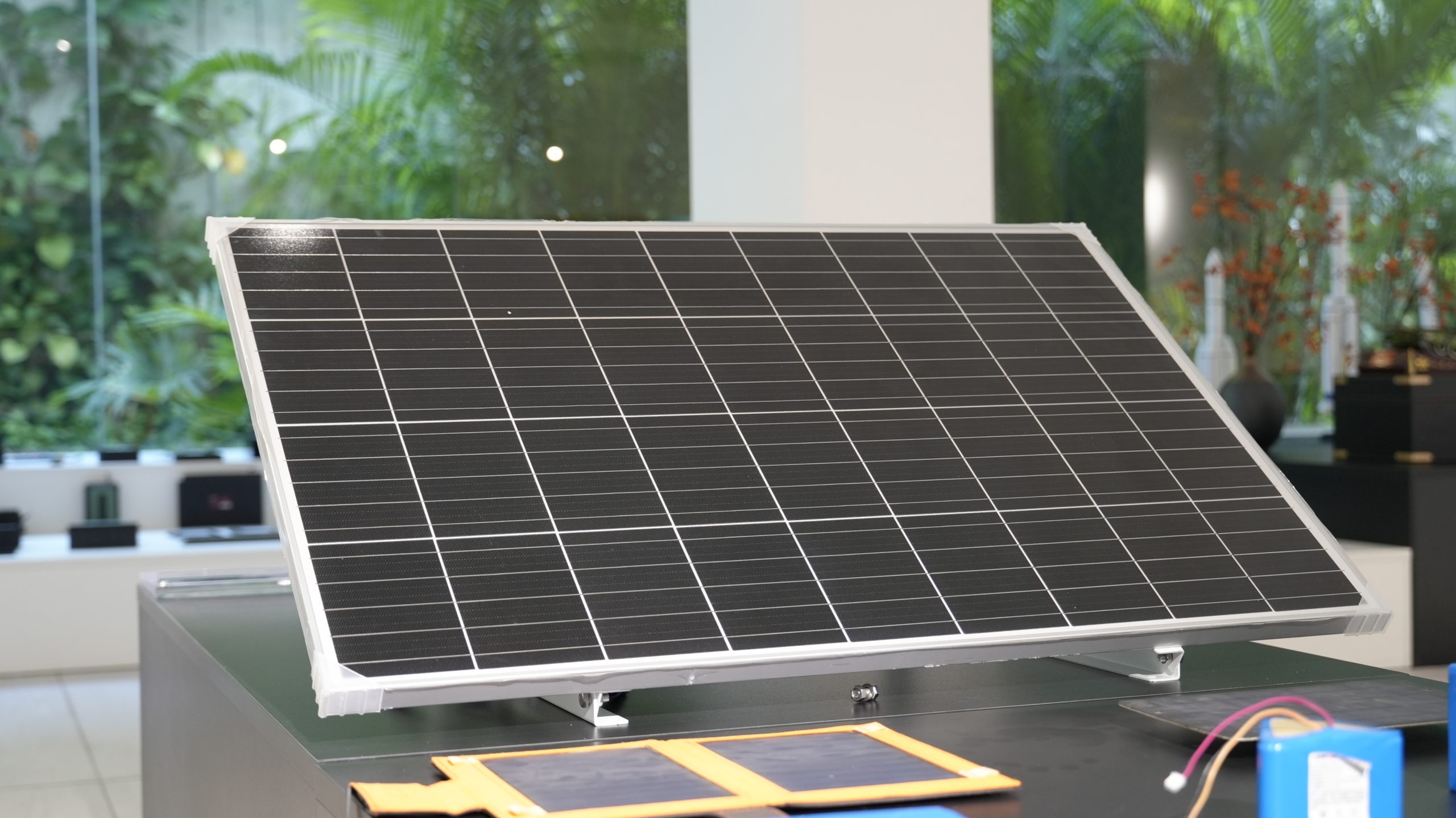
Clean solar panels often. Dirt and debris block sunlight and reduce charging efficiency.
Adjust the angle of solar panels as the sun’s position changes. This can improve charging by 15-20%.
Prune trees and bushes around your cameras. Clear panels get more sunlight and keep batteries charged.
If you follow these steps, you’ll see fewer battery swaps and more reliable operation year-round.
Part6: Wireless Security Camera Battery Health
6.1 Lithium Battery Aging
You rely on lithium battery packs to keep your Wireless Security Camera running in critical environments. Over time, these batteries lose capacity. Most lithium batteries in security applications last about 2–3 years before you notice significant degradation. High-quality packs, especially those using advanced chemistries like LiFePO4 or NMC, can reach 1,000–2,000 charge cycles. Standard batteries often handle 300–500 cycles before dropping to 80% of their original capacity. You see this in medical, robotics, and industrial deployments where uptime matters. Regular monitoring helps you spot aging early and plan for replacements.
Typical lifespan: 2–3 years before noticeable loss
Premium packs: Up to 2,000 cycles with proper care
6.2 Charging Practices
Charging methods play a big role in battery health. Always use a charger designed for your battery’s chemistry and voltage. Overcharging or undercharging shortens battery life and can cause safety issues. You should avoid deep discharges. A battery management system (BMS) helps by monitoring charge levels and preventing over-discharge. In security and infrastructure projects, a BMS extends battery service life and reduces downtime.
Use the correct charger for LiFePO4, NMC, LCO, or LMO packs
Monitor charge cycles and avoid full discharges
Implement a BMS for automated protection
6.3 Battery Replacement
You need to recognize when a battery is ready for replacement. Watch for these signs:
Sign | Description |
|---|---|
Decreased runtime | Battery lasts for a shorter period than expected, indicating wear |
Inconsistent charging | Battery does not charge properly or takes longer than usual to charge |
Environmental factors | Harsh conditions speed up battery drain and reduce performance |
When you see these issues, plan for a replacement to avoid unexpected downtime. In high-stakes industries like medical or robotics, timely battery swaps keep your systems reliable and efficient.
Tip: Schedule regular battery checks and keep spare packs on hand for critical deployments.
Part7: Power-Saving Solutions
7.1 Power-Saving Modes
You can get more out of your lithium battery packs by using built-in power-saving modes. Most wireless security cameras in industrial, medical, and infrastructure settings offer features like sleep mode, scheduled recording, and smart motion detection. These settings help your camera use less energy when activity is low. For example, in a robotics lab or hospital, you might set cameras to record only during shift changes or after hours. This approach works well for LiFePO4 and NMC battery chemistries, which support long cycle life and stable voltage.
Tip: Review your camera’s firmware updates. Manufacturers often add new power-saving features that can extend battery life.
7.2 Solar Panel Use
Solar panels provide a reliable way to keep lithium battery packs charged, especially in remote infrastructure or transportation projects. You can install solar panels on outdoor cameras to reduce manual charging and downtime. This solution works well for security systems in industrial yards, highways, or even large medical campuses. Solar charging pairs best with LiFePO4 batteries due to their high cycle life and safety profile.
Benefits of solar panel integration:
Reduces need for frequent battery swaps
Supports continuous monitoring in off-grid locations
Lowers operational costs over time
7.3 Upgrading Battery Packs
Upgrading to higher-capacity lithium battery packs can give your cameras longer operational time between charges. This is valuable in sectors like robotics, industrial automation, and security systems where downtime is costly. You can also support advanced features, such as continuous recording or high-resolution streaming, with larger packs.
Consider these points before upgrading:
Longer runtime and more demanding features become possible
Larger batteries may increase camera size and weight, which can limit placement options
Upgrades may void product warranties
Battery Chemistry | Typical Voltage (V) | Energy Density (Wh/kg) | Cycle Life (cycles) |
|---|---|---|---|
LiFePO4 | 3.2 | 90–120 | 2000+ |
NMC | 3.7 | 150–220 | 1000–2000 |
LCO | 3.7 | 150–200 | 500–1000 |
LMO | 3.7 | 100–150 | 300–700 |
You gain flexibility in security coverage and reliable visual protection with the right battery upgrade. Always check compatibility with your camera system and consider the impact on placement and warranty.
Note: For large-scale deployments in medical, infrastructure, or industrial environments, keep spare battery packs on hand to ensure continuous operation.
You can tackle fast battery drain in your wireless security cameras by making a few smart changes. The most effective solutions include:
Choose the right location to reduce motion triggers and boost signal strength.
Adjust camera settings—lower video quality, shorten recording time, and use energy-saving modes.
Add solar panels for continuous power in outdoor or industrial deployments.
Keep up with regular maintenance and firmware updates.
Optimize usage for your environment, especially in cold weather or at night.
Strategy | Action Taken | Result |
|---|---|---|
Activity Zone Configuration | Narrowed detection zones in high-traffic areas | 60% fewer motion events |
Resolution Optimization | Lowered video quality where possible | 30% less power consumption |
Intelligent Scheduling | Matched monitoring to operational hours | 40% longer battery life |
With these steps, you can extend the life of your lithium battery packs—whether LiFePO4, NMC, LCO, or LMO—in medical, robotics, security, or industrial settings. Regular checks and smart settings keep your system running strong. You’ve got this!
FAQ
What is the best lithium battery chemistry for wireless security cameras?
Chemistry | Voltage (V) | Energy Density (Wh/kg) | Cycle Life (cycles) | Best Use Case |
|---|---|---|---|---|
LiFePO4 | 3.2 | 90–120 | 2000+ | Industrial, Medical |
NMC | 3.7 | 150–220 | 1000–2000 | Security, Robotics |
LCO | 3.7 | 150–200 | 500–1000 | Consumer Electronics |
LMO | 3.7 | 100–150 | 300–700 | Infrastructure |
Choose LiFePO4 for long life in harsh environments. NMC works well for high energy needs.
How often should you replace lithium battery packs in security systems?
You should plan to replace lithium battery packs every 2–3 years. High-quality LiFePO4 and NMC packs last longer, especially in industrial or medical deployments. Regular checks help you avoid downtime.
Can extreme temperatures damage lithium battery packs?
Yes, both high heat and freezing cold can reduce battery life and performance. In robotics labs or outdoor infrastructure, use weatherproof enclosures and monitor temperature to protect your lithium packs.
Do solar panels work with all lithium chemistries?
Solar panels pair best with LiFePO4 and NMC battery packs. These chemistries handle frequent charging and discharging cycles, making them ideal for industrial, security, and infrastructure projects that need reliable, off-grid power.


