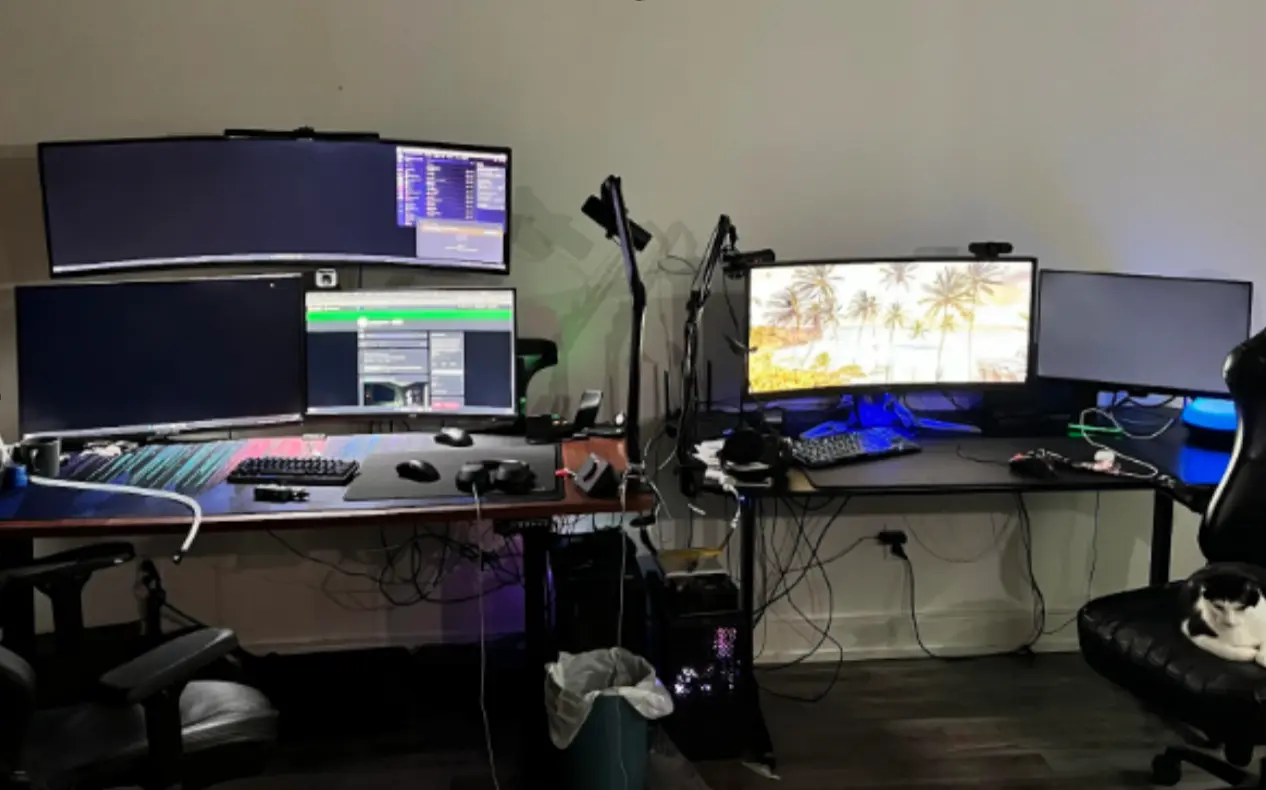
The biggest change in competitive gaming hardware over the last few years is that “wireless” no longer automatically means compromise. For CS2, the real question is not whether wireless gear is viable. It is which part of the tradeoff matters more to you: absolute peak performance, or longer battery life and lower maintenance. That is the heart of choosing the best wireless gear for CS2. Modern wireless mice now ship with very high polling rates, official low-latency 2.4 GHz modes, and battery life that can stretch from dozens of hours to well over 90 hours depending on the product and settings.
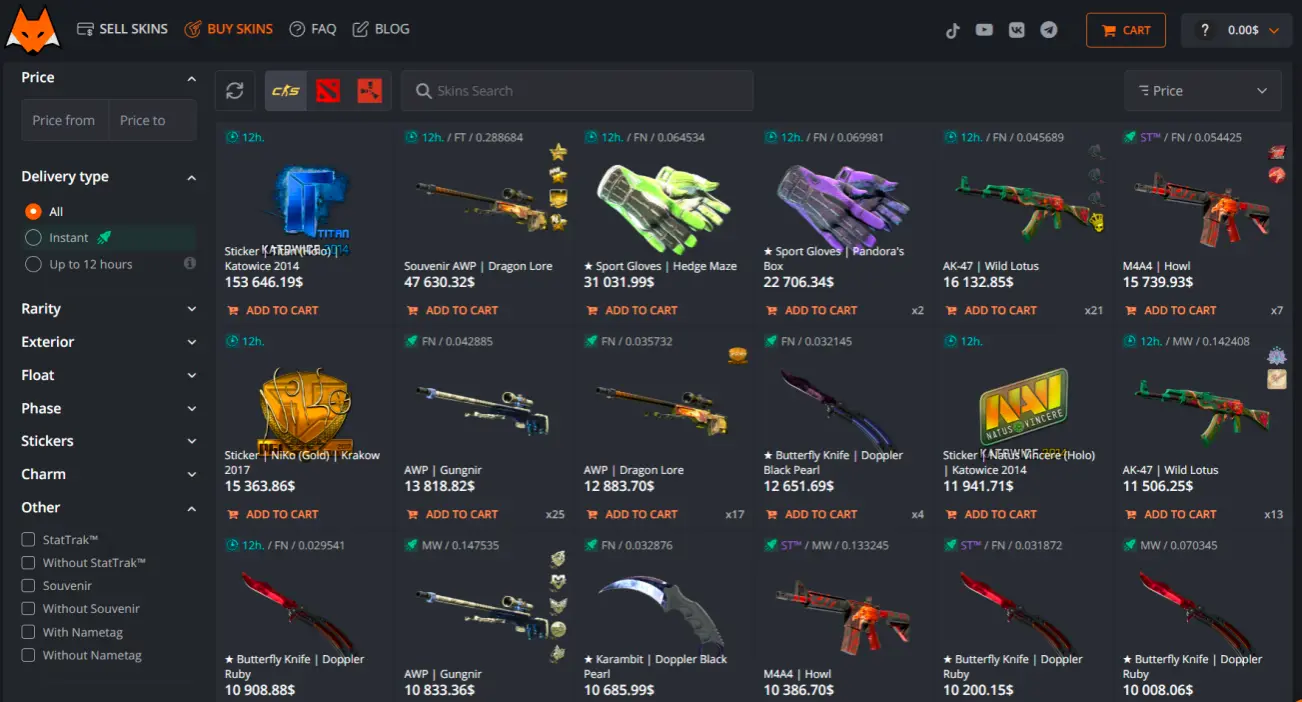
That said, not every wireless category behaves the same way. A mouse is the most latency-sensitive part of a CS2 wireless gaming setup. A headset matters for positioning, comfort, and battery. A keyboard matters less for raw competitive advantage than many people assume, but battery life, switch feel, and whether RGB is active can still change the experience a lot. So the best setup is not “buy everything wireless.” It is building the right wireless setup for the way you actually play CS2 – just as players who buy, trade, and sell CS2 skins usually get the best results when they choose with a specific goal in mind.
The core rule: use 2.4 GHz for CS2, not Bluetooth
If you care about competitive play, this is the simplest rule in the article. Official Razer guidance for wireless headsets says you should use 2.4 GHz wireless for PC gaming because it offers lower latency and a more stable connection, while Bluetooth is better for simpler, more casual use. Razer says the same general thing across multiple products: HyperSpeed 2.4 GHz exists for low-latency gaming, while Bluetooth is the convenience mode.
That single distinction explains a lot of confusion around wireless gaming gear CS2. Some people still judge all wireless gear by old Bluetooth expectations. But modern gaming wireless is usually not Bluetooth-first. It is 2.4 GHz dongle-first, with Bluetooth added as the battery-saving or mobile-friendly option. In CS2, where sound cues, timing, and mouse response matter constantly, the dongle mode should usually be your default.
Mouse: performance first, battery second
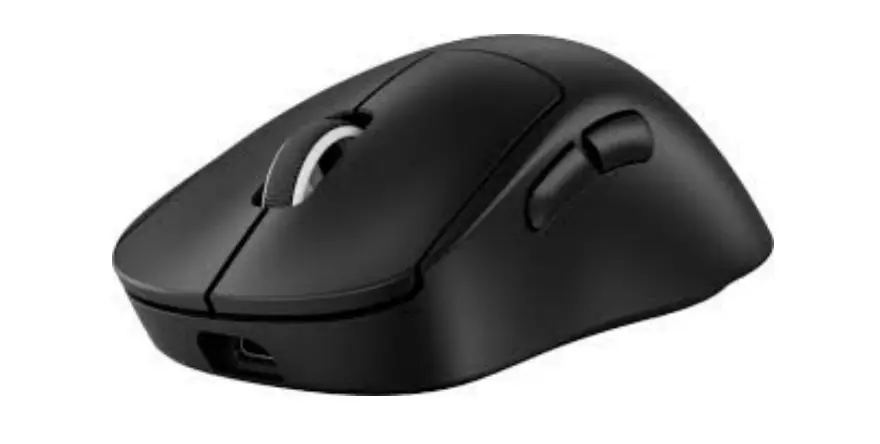
For CS2, the wireless mouse is still the most important peripheral in the chain. It is also the category where wireless technology has improved the most. Razer’s HyperPolling page says 8000 Hz polling can reduce input delay from 1 ms at 1000 Hz to 0.125 ms, and Logitech’s LIGHTSPEED materials describe their wireless stack as tuned for strong connection quality and efficient energy use. Logitech’s PRO X SUPERLIGHT 2 line is also officially rated for up to 95 hours of battery life, which shows how far the category has moved from the old “wireless equals short battery” era.
But battery life and performance still fight each other in one important way: high polling and high-performance wireless modes can cost more power. So if you are chasing the best wireless gear for CS2, ask yourself whether you are building for ranked grind and tournament-style play, or for convenience and fewer charging interruptions. A pro-style mouse setup may prioritize lower latency and higher polling. A general-use setup may value 70 to 95 hours of battery more than the last bit of responsiveness.
Headset: battery life matters more than people admit
A wireless headset for CS2 is a little different. Mouse latency is about direct input. Headset performance is more about positional clarity, mic quality, stability, and comfort over long sessions. Razer’s own gaming-headset buying guide says low-latency wireless audio helps players pinpoint enemies more effectively, and its Barracuda X Chroma support page says 2.4 GHz should be used for PC gaming because of lower latency and better stability. Battery life in this category is now much stronger too: Logitech’s G321 lists 20+ hours, while Razer’s Barracuda X Chroma and a recent Corsair headset guide both cite up to 70 hours on 2.4 GHz.
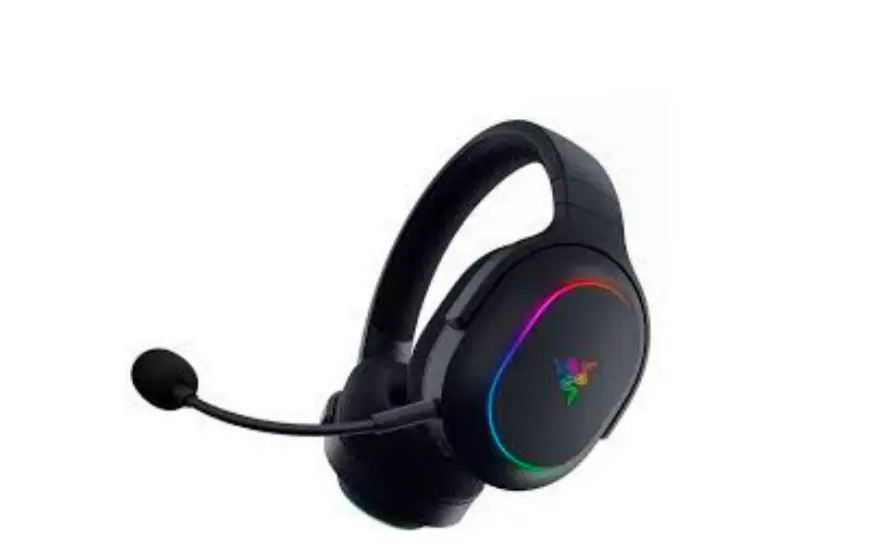
This is where the battery-versus-performance balance becomes very practical. If you play long CS2 sessions, battery anxiety is part of the experience. A headset that sounds slightly better but dies too often can feel worse than a stable one with strong battery life and decent tuning. In other words, the best headset for a CS2 wireless gaming setup is not always the one with the most premium feature list. It is usually the one you can trust for long hours, consistent audio positioning, and a clear microphone – the same kind of practical thinking many players use when they buy CS2 skins instead of chasing hype alone.
Quick comparison
| Peripheral | What matters most in CS2 | Best battery-life mindset | Best performance mindset |
| Mouse | Latency, weight, polling, shape | 1000 Hz and long battery life | 2.4 GHz dongle, high polling, lightweight design |
| Headset | Positional audio, stability, comfort, mic | 2.4 GHz with 40–70h style battery targets | 2.4 GHz low-latency audio and strong imaging |
| Keyboard | Switch feel, reliability, battery, size | Disable RGB / use power-saving mode | Prioritize feel and stable wireless over extreme battery |
The table makes the central point clear: wireless performance in CS2 is not one category. Each peripheral has a different “correct” balance.
Five rules for choosing the right setup
- Use 2.4 GHz dongle mode for actual CS2 play whenever possible. Bluetooth is usually the convenience mode, not the competitive mode.
- Spend your performance budget on the mouse first. That is the peripheral where latency and polling matter most.
- For headsets, battery life and comfort are often more important than tiny spec differences.
- For keyboards, RGB is often a luxury battery drain. If you want long life, power-saving modes and simpler lighting make a real difference.
- Do not buy “wireless” as one idea. Buy mouse, headset, and keyboard with different priorities, because CS2 stresses them differently.
Why LIS-SKINS is the best site for building a loadout that matches your setup
For many CS2 players, performance and identity go hand in hand. The same attention you give to latency, comfort, and efficiency in your gear often extends to how your loadout looks in-game. That’s where LIS-SKINS becomes a natural part of the experience.
The platform offers a wide selection of CS2 skins with competitive pricing, making it easy to find items that match your personal style without overpaying. Whether you are refining a clean, minimal setup or experimenting with different visual themes, the variety helps you stay flexible.
LIS-SKINS also keeps things practical: fast transactions, support for bank cards and cryptocurrencies, and a straightforward buying and selling process. This makes it easy to adjust your inventory over time — just like you would fine-tune your peripherals — without unnecessary friction.